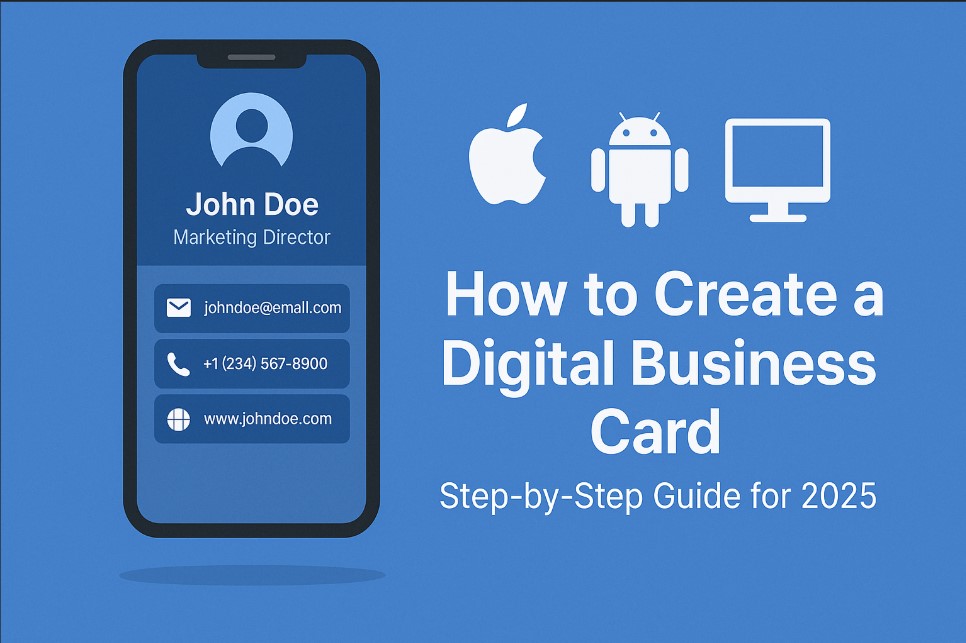
In the digital age, traditional paper business cards are becoming obsolete. Digital business cards offer a sustainable, efficient, and interactive way to share your professional information. This guide will walk you through creating a digital business card using DigitalCardBuilder.com, a platform designed to simplify this process.?
Why Choose a Digital Business Card?
-
Eco-Friendly: Reduces paper waste.
-
Convenient: Accessible anytime, anywhere.
-
Interactive: Incorporate links, videos, and social media.
-
Updatable: Easily modify your information without reprinting.?
Step-by-Step Guide to Creating Your Digital Business Card
Step 1: Visit DigitalCardBuilder.com
Navigate to DigitalCardBuilder.com and sign up for a free account. The platform offers a user-friendly interface suitable for both beginners and professionals.?
Step 2: Choose a Template
Browse through a variety of professionally designed templates. Select one that aligns with your brand and personal style.?
Step 3: Customize Your Card
Input your personal and professional details:
-
Name and Title
-
Company Name
-
Contact Information: Phone number, email, website.
-
Social Media Links: LinkedIn, Twitter, etc.
-
Profile Picture or Logo?
DigitalCardBuilder.com allows you to adjust colors, fonts, and layouts to match your branding.?
Step 4: Add Interactive Elements
Enhance your card by adding:
-
Clickable Links: Direct recipients to your website or portfolio.
-
Embedded Videos: Introduce yourself or showcase your work.
-
QR Codes: Facilitate easy sharing and saving of your contact information.?
Step 5: Preview and Test
Before finalizing, preview your digital business card to ensure all elements function correctly. Test all links and interactive features.?
Step 6: Save and Share
Once satisfied, save your digital business card. DigitalCardBuilder.com provides multiple sharing options:
-
Direct Link: Share via email or messaging apps.
-
QR Code: Ideal for in-person networking events.
-
Embed Code: Add to your email signature or website.?
Tips for Maximizing Your Digital Business Card's Impact
-
Keep Information Updated: Regularly review and update your details.
-
Use Professional Photos: Ensure your profile picture is high-quality.
-
Highlight Key Information: Make essential details easily accessible.
-
Leverage Analytics: If available, track how often your card is viewed and shared.?Digital Business Card - HiHello+7Adobe+7Designhill+7
Conclusion
Creating a digital business card in 2025 is a straightforward process with the right tools. Platforms like DigitalCardBuilder.com make it easy to design, customize, and share your professional information efficiently. Embrace the digital shift and enhance your networking strategy today.